
General information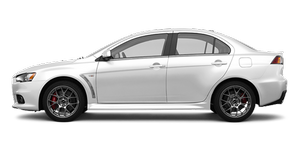
See also:
Driver’s seat belt reminder/warning lamp and display
Warning lamp
A tone and warning lamp are used to remind the driver to fasten the seat belt.
If the ignition switch is set to the “ON” position without the driver’s seat
belt being fasten ...
Change of display mode (for vehicles with a MITSUBISHI genuine audio system)
Every time the “DISP” button is pressed lightly (less than 2 seconds), the display
can be changed.
Average fuel consumption Driving range Average speed
...
Digital clock
Automatic mode and manual mode is available for digital clock adjustment.
Select the automatic mode or the manual mode by performing the following operations:
A- PWR switch
B- TUNE switch
1. Pre ...