
Wheel covers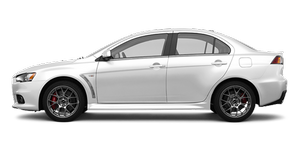
See also:
Activation
The Auto Stop & Go (AS&G) system is automatically activated when the ignition
switch is turned to the “ON” position. ...
Mark display screen (when the ignition switch is “ON”)
This is displayed when you press the multi- information meter switch and switch
the warning display screen.
This mark is also displayed if there is another warning other than the one displayed.
...
Cleaning plastic parts
Use a sponge or chamois leather.
If a car wax adheres on a grey or black rough surface of the bumper, moulding
or lamps, the surface becomes white. In such a case, wipe it off using lukewarm
wate ...